A security setting is only as strong as the app around it.
Check Point researchers found a sandbox escape in ChatGPT’s HTML previews that got around Lockdown Mode, the setting for the most sensitive users. OpenAI fixed it after responsible disclosure.
- Nested frames let pop-ups break out of the HTML preview sandbox and get around Lockdown Mode.
- The researchers said it could enable silent theft of chat data, phishing and malware delivery.
- OpenAI fixed it on 18 September 2026; the research was published in November.
- Most teams test what their AI says; fewer test how their app renders it.
What happened
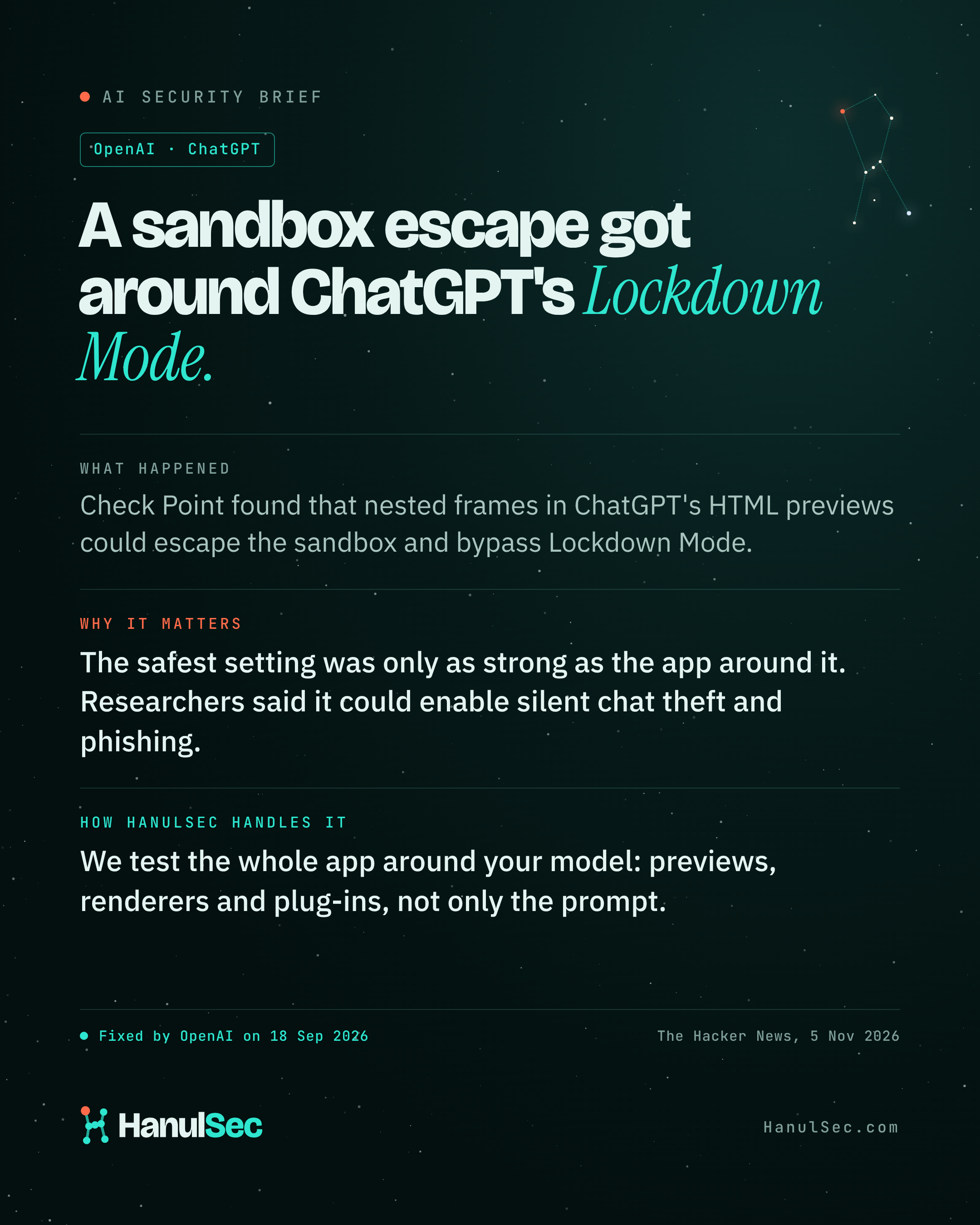
The Hacker News reported on 5 November 2026 that Check Point Research found a way to escape the sandbox used for HTML previews in ChatGPT. Nested frames allowed pop-ups to break out and get around Lockdown Mode, the setting OpenAI offers to its most security-sensitive users. The researchers said it could enable silent theft of chat data, phishing and malware delivery. OpenAI fixed the issue on 18 September 2026 after responsible disclosure.
Who is affected
- Users who relied on Lockdown Mode before the fix
- Companies whose own products render AI output as HTML, markdown, links or file previews
- Teams building desktop or browser wrappers around AI assistants
Why it matters
Most teams test what their AI says. Far fewer test what their app does with it: the previews, renderers, plug-ins and desktop wrappers that turn model output into something a user clicks. A safe-mode setting only helps if every one of those surfaces respects it.
What to do now
- List every place your product renders or runs AI output.
- Sandbox rendered output strictly, and block pop-ups and navigation from previews.
- Check that safety settings apply in every client: web, desktop and mobile.
- Include output rendering in your security tests, not only prompts.
How HanulSec helps
- We map every place your product renders or runs AI output.
- We attack those surfaces directly: HTML, markdown, links, images and file previews.
- We check that safe-mode settings hold across every client, not only the web app.
Tell us what you run and we will send a fixed-price proposal within one business day. Request a quote.